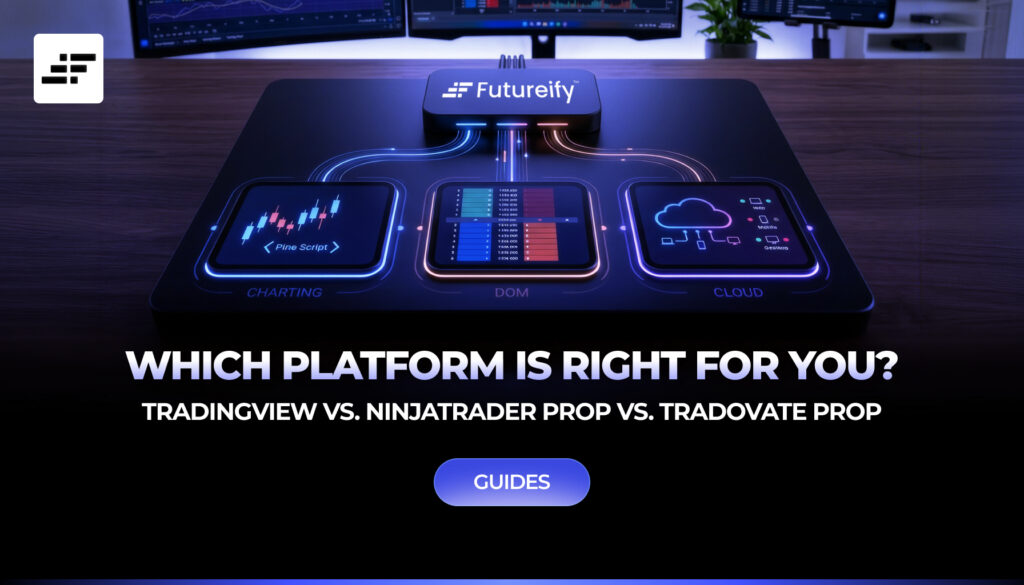
TradingView, NinjaTrader and Tradovate are the three platforms Futureify supports. They show the same futures market, but each is built around a different way of working: browser-based charting, a Windows desktop with a detailed Depth of Market (DOM), and a cloud platform that runs on web, desktop and mobile. This guide compares TradingView vs NinjaTrader vs Tradovate across device access, charting, DOM, order flow tools and scripting.
Key Terms
| Term | Definition |
|---|---|
| Depth of Market (DOM) | A trading window that lists live bids and asks, and the number of contracts waiting at each price. |
| Order flow | The study of trades and waiting orders as they happen, rather than price alone. |
| Footprint chart | A chart that shows, inside each candle, how many contracts traded at the bid and at the ask at each price. |
| Bracket order | An entry order sent with a stop-loss and a profit target, both placed as soon as the entry fills. |
Comparison at a Glance
| Feature | TradingView | NinjaTrader | Tradovate |
|---|---|---|---|
| Main focus | Browser-based charting and technical analysis | Desktop order entry and order flow | Cloud trading across devices |
| Devices | Web browser, Windows and Mac apps, iOS, Android | Windows desktop (Mac through a virtual machine) | Web browser, Windows and Mac apps, iOS, Android |
| DOM | Order book view depends on the connected broker | SuperDOM | Built-in DOM |
| Footprint charts | Volume Footprint on Premium and higher plans | Order flow tools such as volumetric bars | Simpler order flow tools |
| Scripting | Pine Script | NinjaScript (C#) | JavaScript custom indicators |
| Copy trading on Futureify | Not supported | Not supported | Group Trading between Futureify accounts |
| Setup | Browser login, no installation | Desktop installation | Browser login or app installation |
TradingView vs NinjaTrader vs Tradovate: Core Differences
The main differences come down to where each platform runs, how much order book detail it shows, and how it connects to the other two.
Device access
- TradingView runs in a web browser, as a Windows or Mac desktop app, and on iOS and Android.
- Tradovate runs in a web browser, as a Windows or Mac desktop app, and on iOS and Android, with settings shared across devices.
- NinjaTrader desktop is a Windows application. Mac users run it through a virtual machine such as Parallels.
Order book and order flow
- TradingView is built around price charts and indicators. Its Volume Footprint chart, available on Premium and higher plans, estimates bid and ask volume from lower-timeframe data.
- NinjaTrader offers the SuperDOM and order flow tools such as volumetric bars and Volume Profile.
- Tradovate includes a DOM, chart trading and bracket orders. Its order flow tools are simpler than NinjaTrader’s, and its Group Trading feature places the same order across several accounts at once.
How the three connect
NinjaTrader acquired Tradovate in 2022, and the two now share the same account system. A Tradovate account can also be connected to TradingView, so orders are placed from TradingView charts while the account sits with Tradovate.
Each Platform in Detail
1. TradingView
TradingView is built for technical analysis, with orders placed directly from the price chart.
- How it works: TradingView runs in a web browser or app. Chart layouts, indicators and drawings sync across devices.
- Chart trading: market, limit and stop orders can be placed from the chart, and stop-loss and take-profit lines can be dragged to new prices.
- Points to note: TradingView’s Volume Footprint chart requires a Premium or higher plan. It sorts volume into buying and selling from the direction of lower-timeframe price moves, so it is an estimate rather than a record of each trade at the bid or ask, as TradingView’s help guide explains. Custom tools are written in Pine Script.
2. NinjaTrader
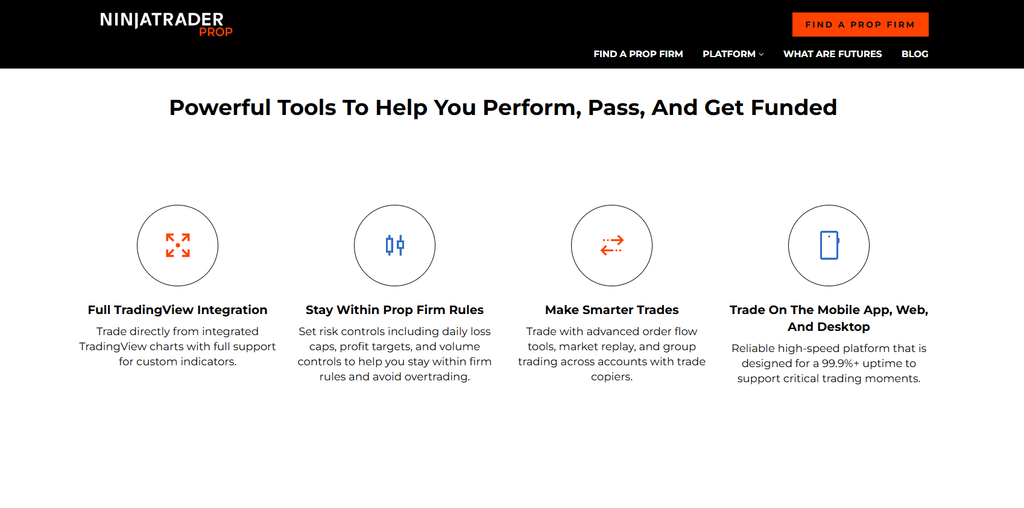
NinjaTrader is a desktop platform focused on order entry from the DOM and on order flow.
- How it works: NinjaTrader desktop is a Windows application installed on the computer. Mac users need a virtual machine such as Parallels.
- SuperDOM and ATM strategies: the SuperDOM shows live bids, asks and waiting contracts at each price, with orders placed directly on the ladder. ATM (Advanced Trade Management) strategies can attach a stop and target to each entry and move the stop to breakeven at a set profit.
- Points to note: order flow tools include volumetric bars and Volume Profile, and custom indicators and strategies are written in NinjaScript, which is based on C#. Installation takes longer than a browser login.
3. Tradovate
Tradovate is a cloud-based futures platform that runs on any device without a large installation.
- How it works: Tradovate runs in a web browser, as a Windows or Mac desktop app, and on iOS and Android. Layouts and settings follow the account across devices.
- Orders and DOM: Tradovate includes a DOM, chart trading, bracket orders and trailing stops.
- Points to note: order flow tools are simpler than NinjaTrader’s. Group Trading sends one order to several linked accounts, and it is the only copy trading method Futureify permits. A Tradovate account can be connected to TradingView, so orders are placed from TradingView charts while positions are managed in Tradovate.
Which Features Each Platform Covers
The three platforms overlap on chart trading and standard order types. They separate on three features:
- Chart-led analysis: Pine Script indicators and charts that sync across every device are TradingView’s core.
- DOM-led order entry: the SuperDOM, ATM strategies and NinjaScript automation on a Windows desktop are NinjaTrader’s core.
- Device flexibility: the same account on web, Mac, Windows and mobile without a large installation is Tradovate’s core.
Futureify supports all three, and the account rules stay the same whichever platform places the order: the daily loss limit, the end-of-day trailing drawdown and the contract limits apply to the account, not the platform. Automated strategies are also covered by Futureify’s General Terms and Conditions, which prohibit software, artificial intelligence or ultra-high-speed entry that gives an unfair advantage.
Frequently Asked Questions
Can I trade on TradingView with a Futureify account?
Yes. TradingView is one of the three platforms Futureify supports, so orders can be placed from TradingView charts. Setup steps are covered in the Futureify FAQs.
Is TradingView’s footprint chart the same as NinjaTrader’s?
No. TradingView’s Volume Footprint estimates buying and selling volume from the direction of lower-timeframe price moves. NinjaTrader’s volumetric bars are built from tick data that records whether each trade happened at the bid or the ask. The same candle can therefore show different numbers on the two platforms.
Can NinjaTrader be used on a Mac?
Not directly. NinjaTrader desktop is a Windows application, so Mac users run it inside a virtual machine. TradingView and Tradovate both offer Mac apps and browser access.
Can trades be copied across several prop accounts?
That depends on the firm’s rules, not the platform. Copy trading policies differ between prop firms, and Futureify’s General Terms and Conditions prohibit coordinated trading between connected accounts that manipulates trading. Futureify’s current copy trading policy is set out in its FAQs.
Bottom Line
TradingView vs NinjaTrader vs Tradovate comes down to where each platform runs and how much order book detail it shows. TradingView centers on browser charting and Pine Script, NinjaTrader on the SuperDOM and order flow tools on Windows, and Tradovate on one account across web, desktop, and mobile. Account rules stay the same on all three. To see how Futureify’s simulated accounts work, visit the How it works page.